Is Shopify PCI Compliant? What Shopify Covers, and What's Still On You
Shopify holds its own PCI Level 1 status, but that doesn't cover your store. Here's what Shopify handles, which SAQ you need, and what's still on you.
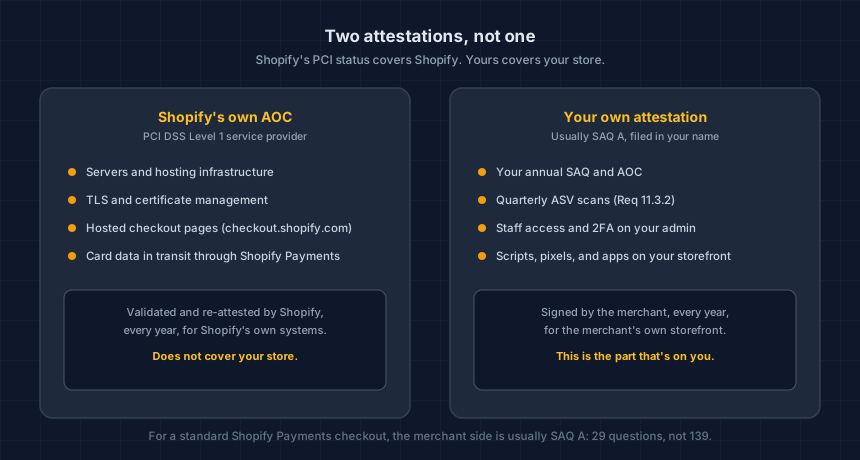
Shopify is validated PCI DSS Level 1 as a service provider, the highest tier there is. That covers Shopify's own infrastructure: the servers, the TLS, the hosted checkout pages. It does not cover your store. Every merchant selling on Shopify still signs their own annual attestation, and knowing which one is the first thing to get right.
Nobody tells you this when you sign up. Shopify Payments works out of the box, cards get charged, and there is no obvious moment where the platform hands you a PCI obligation to notice. The obligation was there the whole time.
Is Shopify itself PCI compliant?
Yes. Shopify holds PCI DSS Level 1 service-provider validation, the tier reserved for organizations processing the largest transaction volumes, and it re-validates every year. That status covers the systems Shopify operates directly.
What it does not do is transfer to your store. PCI DSS treats "the platform is compliant" and "the merchant is compliant" as two separate documents, each with its own attestation. Shopify's Attestation of Compliance is Shopify's. Yours is yours.
Then why do I still need to do anything?
Because accepting cards, on any platform, carries its own PCI obligation that a processor's compliance status doesn't absorb. Every merchant who takes card payments signs a Self-Assessment Questionnaire (SAQ) and, once it's complete, an Attestation of Compliance for their own business.
This is not a Shopify-specific rule. It applies to WooCommerce, BigCommerce, and a custom build the same way. Shopify happens to make the merchant side of it smaller than most, which is the actual good news here, not that it disappears.
Which SAQ does a Shopify store need?
Most stores using Shopify Payments' standard hosted checkout land in SAQ A, the shortest questionnaire PCI DSS offers. The test is where the card form physically lives: if a customer types their card number on a checkout.shopify.com page rather than on your own domain, and your servers never see the full card number, you're almost certainly SAQ A.
That changes if a custom checkout extension, a Shopify Plus checkout customization, or a third-party app puts card fields on a page your own site controls. That's typically SAQ A-EP, a considerably longer questionnaire covering your web server's role in the transaction.
CyberShield's own generated SAQ A question bank, built from the official PCI SSC document, runs 29 questions. SAQ A-EP's runs 139. Knowing which one applies before you start is worth the five minutes it takes to check.
Not sure which SAQ your setup puts you in? Our free SAQ selector tool walks through the same questions a QSA would ask and tells you which form you're looking at.
Does SAQ A mean there's no work at all?
No. SAQ A still requires quarterly external vulnerability scans under Requirement 11.3.2, run by a PCI SSC Approved Scanning Vendor, and this has applied since PCI DSS v4.0 took effect in April 2024. It was not part of the older, shorter SAQ A that a lot of merchants remember.
The requirement applies to the merchant system hosting the webpage that redirects to or embeds the payment form, which for a Shopify store is your own storefront, not Shopify's checkout pages. Check your Shopify Payments dashboard first: some processors bundle ASV scanning into the compliance flow, and you may already have it running without realizing it.
Our longer explainer on the SAQ A ASV requirement covers what changed, what the scan actually checks, and what to do if yours comes back with findings.
Do 6.4.3 and 11.6.1 apply to a standard Shopify store?
Not on the SAQ A form. Requirements 6.4.3 and 11.6.1, which cover inventorying and monitoring payment-page scripts, were removed from SAQ A in the January 2025 revision and replaced with a self-attestation: you confirm your page isn't susceptible to script attacks. Both requirements stay fully mandatory for SAQ A-EP and SAQ D.
The attestation is lighter than the old requirements. The risk it's asking about is not. A checkout page running an unaudited pixel or an app nobody remembers installing is a hard page to defend that attestation from, whichever box you check. We wrote about exactly how a third-party script turns into that kind of risk if you want the mechanics.
What does Shopify actually leave the merchant responsible for?
Five things, specifically, regardless of how clean your checkout setup is:
- Your own SAQ and AOC. Filed annually, in your name, not Shopify's.
- Quarterly ASV scans of your own storefront, unless your processor bundles them.
- Staff access on your Shopify admin. Former employees, former agencies, and shared logins are yours to manage, and 2FA on every account isn't optional.
- Scripts your store loads. Marketing pixels, chat widgets, and apps that inject JavaScript into your storefront are your call to authorize, not Shopify's.
- The rest of your web presence. An outdated blog subdomain or an abandoned staging site can undercut an SAQ A attestation even when your checkout itself is solid.
What should a Shopify merchant actually do?
Four steps, in the order that matters most first:
- Confirm your SAQ. Check where your card form actually lives, and whether any app or extension has put fields on your own page. Our SAQ selector does this in a few minutes.
- Check your ASV scan status. Look in your Shopify Payments compliance dashboard before assuming you need to buy a separate scan.
- Run a script inventory on your storefront. Our free Webpage Security Checker scans your URL for the headers and script signals an assessor would ask about.
- Audit staff access and turn on 2FA everywhere. This is the cheapest fix on the list and the one most often skipped.
If your setup is more custom than a standard Shopify Payments store, or you're not confident which SAQ actually applies, a founder-led review walks through your specific checkout and gives you a straight answer before you attest to anything. You keep the findings either way.
Written by Dennis Wu, CISSP, PCIP, founder of CyberShield Studio, with 30+ years in security and hands-on responsibility for PCI Level 1 compliance at scale. CyberShield Studio helps ecommerce merchants get ready for PCI review. We do not make anyone compliant and we never claim to. The decision is always yours, and our job is making sure you are not making it blind.
Technical Overview
Next steps
Subscribe to the Newsletter
PCI compliance guides and ecommerce threat intelligence, straight to your inbox.
No spam, unsubscribe anytime. We handle your address as described in our privacy policy.
Related Articles
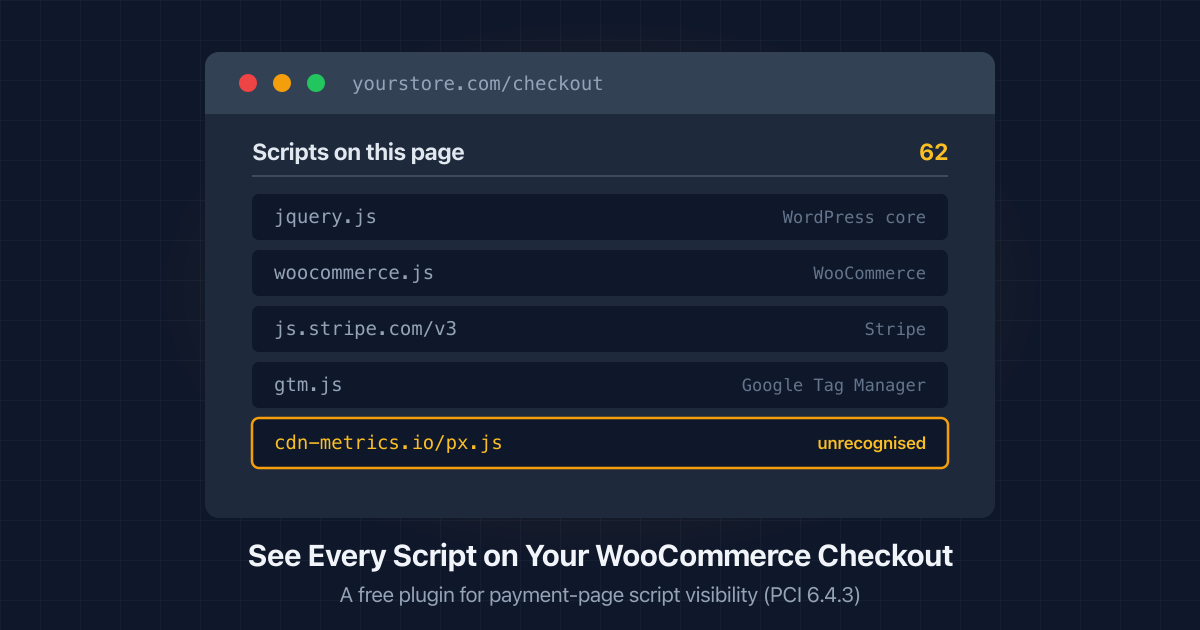
How to See Every Script Running on Your WooCommerce Checkout
WordPress has no screen listing the scripts on your checkout. Here's how to get a script inventory, what PCI 6.4.3 asks for, and a free plugin that does it.
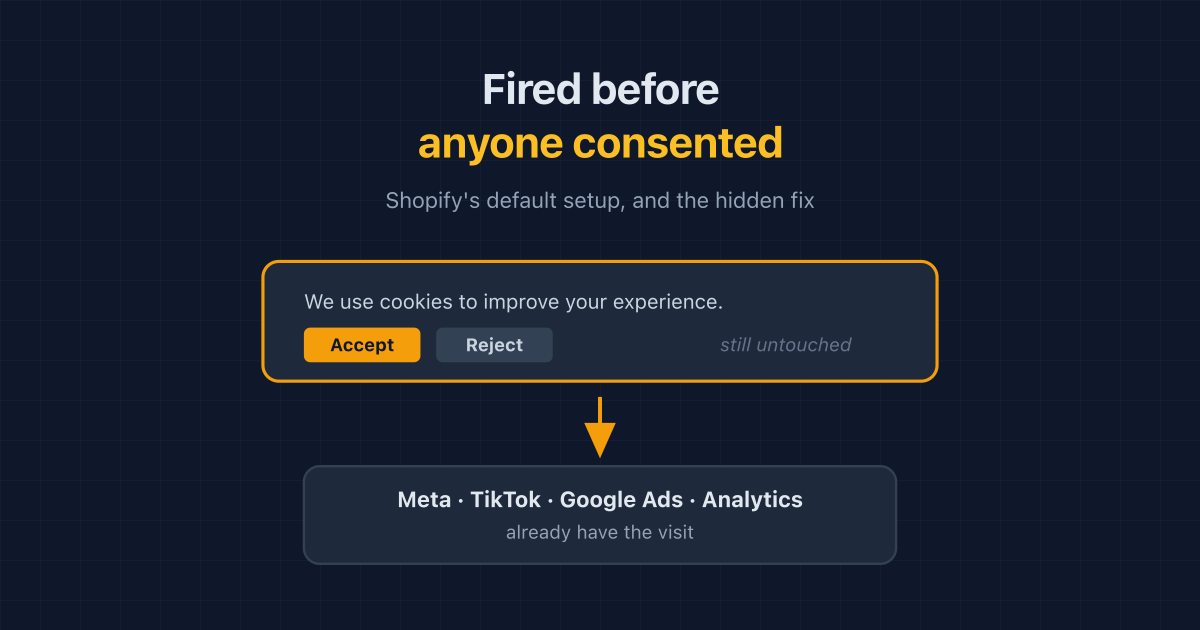
Shopify Fires Your Pixels Before Consent by Default. The Fix Is Hidden.
Shopify app pixels and custom pixels send data before a shopper answers your cookie banner, even when permissions look required. How to check, and the hidden fix.
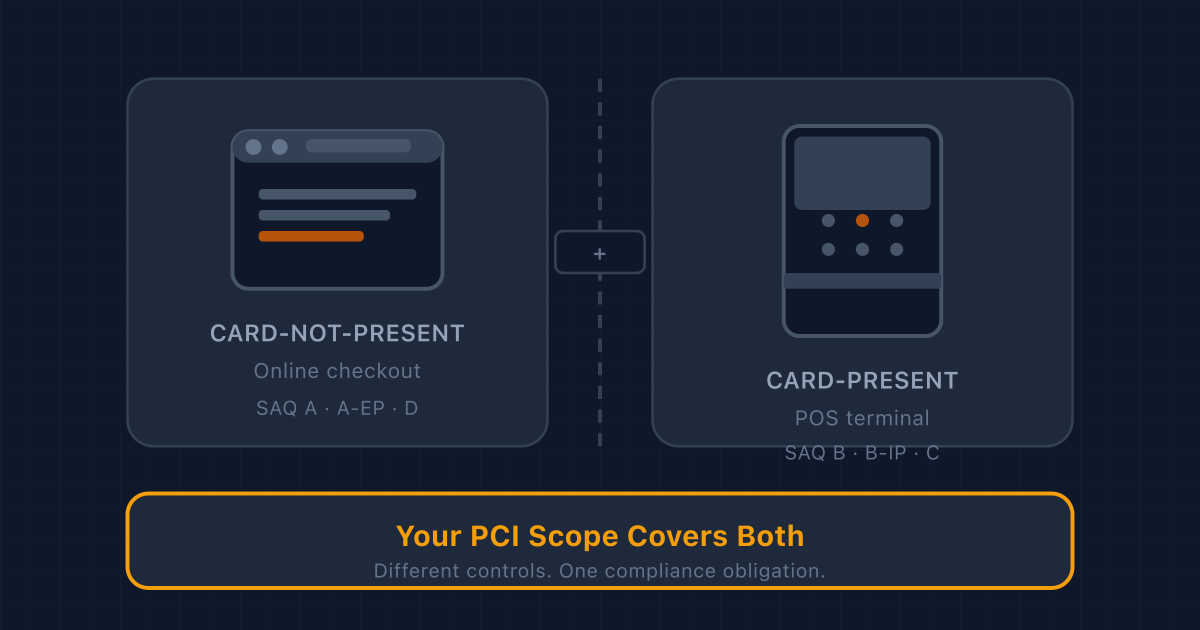
Adding a POS Terminal to Your Online Store? Here's What Changes for PCI Compliance
Card-present and card-not-present transactions fall under different PCI rules. If you sell both online and in person, here's what changes: SAQ type, network segmentation, physical device inspection, and who handles what.