SAQ A vs SAQ A-EP: The 10-Minute Decision Guide
SAQ A and SAQ A-EP come down to one thing: where your card fields live. Here's the test, a processor cheat sheet, and why the difference matters.
SAQ A and SAQ A-EP are both for merchants who don't process cards on their own servers, and they get confused constantly because of that similarity. The actual split comes down to one question: does the card number field itself sit on your own page, or on a page your processor controls?
Get the answer right and you're done in ten minutes. Get it wrong and you've attested to controls you don't have, which is a worse position than just filing the longer form.
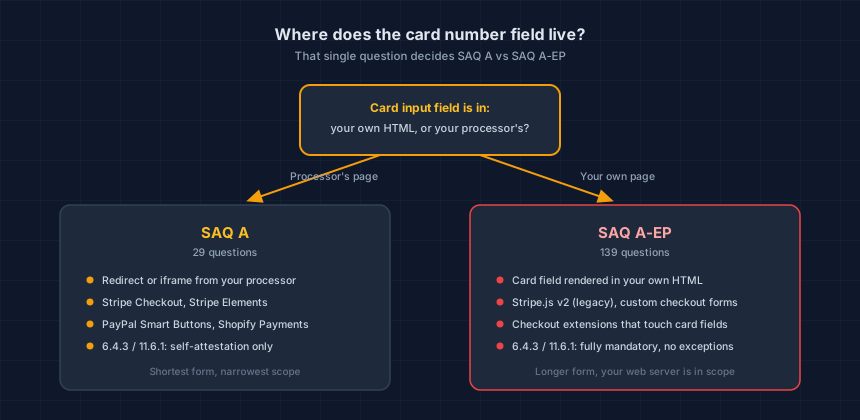
What's the actual difference between SAQ A and SAQ A-EP?
SAQ A is for merchants whose card entry field lives entirely off their own page, reached by a redirect to the processor's domain or an embedded iframe the processor serves. SAQ A-EP is for merchants whose own page renders the card input field directly, even when a third party still handles the actual transaction.
Both forms assume you never store card data and never see it touch your own server logs. The difference is narrower than that: it's specifically about whether your own HTML contains the input box a customer types their card number into.
The three-question test
Walk through these in order. The first "no" answer tells you which form you're on.
- When a customer types their card number, does that field live in your own page's HTML, or inside an iframe or redirect served by your processor? Your own HTML means SAQ A-EP.
- Does your server or your own code ever see the full card number, even for a moment, before it reaches the processor? Yes means you've likely left SAQ A-EP territory entirely and landed in SAQ D.
- Have you added a checkout extension, a custom form, or a plugin that touches the card fields? Even a well-intentioned customization can move a redirect-based checkout into SAQ A-EP territory without anyone noticing.
If you answered "no" to all three, and the field lives on your processor's page, you're SAQ A.
Quick reference: common processors, by integration mode
The processor's name doesn't decide your SAQ. How it's wired into your checkout does.
| Integration | Card field lives in | Typical SAQ |
|---|---|---|
| Stripe Checkout (redirect) | Stripe's own page | SAQ A |
Stripe Elements / Payment Element (js.stripe.com/v3/) |
Cross-origin Stripe iframe | SAQ A |
| Stripe.js v2 (legacy) | Your own HTML | SAQ A-EP |
| PayPal Smart Buttons | PayPal-origin iframe | SAQ A |
| PayPal Advanced Card Fields | PayPal iframe, confirm with your QSA | SAQ A or A-EP |
| Shopify Payments (hosted checkout) | Shopify | SAQ A |
| Custom form posting card data to your own API | Your own HTML | SAQ D |
The trap is the second row from the bottom of most confusion: Stripe.js v2 was deprecated in 2017, and WooCommerce force-migrated stores off it in 2024, but if a store still runs it, the card fields sit in the merchant's own DOM. That's SAQ A-EP, not SAQ A, regardless of how the rest of the integration looks. Our longer breakdown of 6.4.3 and 11.6.1 by processor covers more integration modes in detail, including PayPal, Braintree, and Adyen.
Not sure which mode your store is actually running? Our free SAQ selector tool asks the same questions a QSA would and tells you which form you're looking at.
Why does it actually matter which one you file?
The two forms are not close in size. CyberShield's own generated SAQ A question bank, built from the official PCI SSC document, runs 29 questions. SAQ A-EP's runs 139. That gap is the entire reason merchants try to stay in SAQ A even when their setup doesn't support it.
It also decides whether Requirements 6.4.3 and 11.6.1 apply to you. Both were removed from SAQ A in the January 2025 revision and replaced with a self-attestation. Neither one moved for SAQ A-EP: if you're filing that form, script inventory and payment-page change detection are still fully mandatory, no exceptions.
Filing SAQ A when your setup is actually A-EP means attesting to controls, like that inventory and change detection, that you likely don't have in place. That gap doesn't matter until it does: after a breach, your acquirer and your insurer look at what you attested to next to what your systems actually had.
What if you're still not sure?
Run the three-question test against your actual checkout, not against what you remember configuring. Checkouts drift: an app update, a theme edit, or an agency change can move a field from an iframe into your own page without anyone deciding it should.
Our SAQ selector walks through this in a couple of minutes and gives you a straight answer. If your setup is more custom than a standard hosted checkout, or a scan turns up something you can't explain, a founder-led review looks at your actual page and tells you which form fits before you attest to anything.
Technical Overview
Next steps
Subscribe to the Newsletter
PCI compliance guides and ecommerce threat intelligence, straight to your inbox.
No spam, unsubscribe anytime. We handle your address as described in our privacy policy.
Related Articles
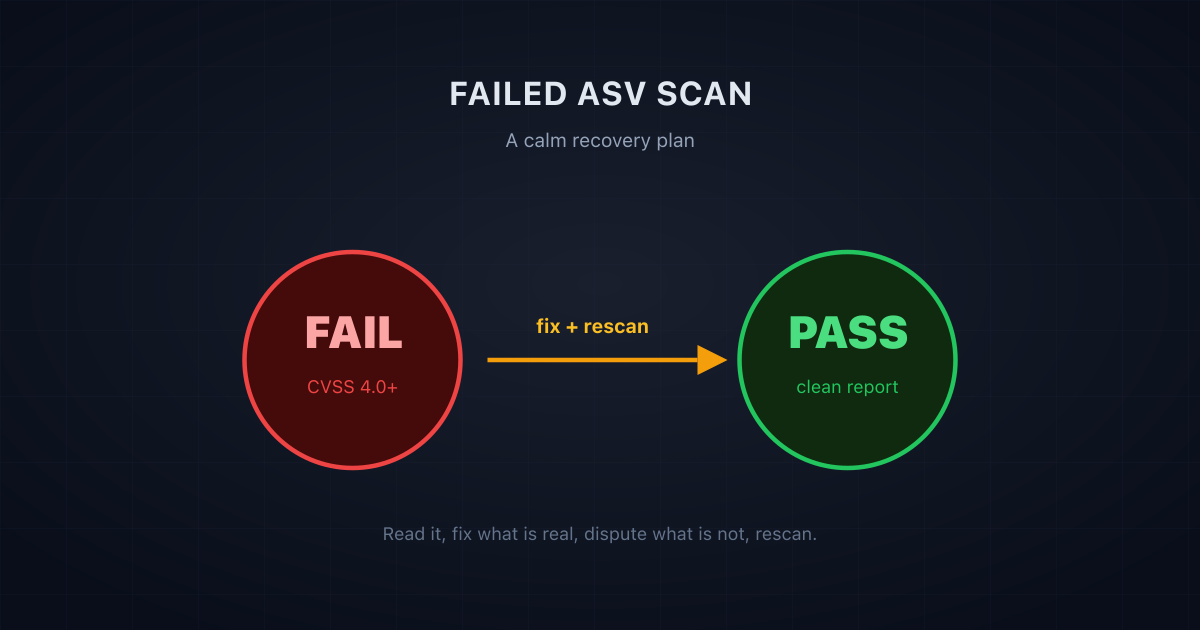
Failed Your ASV Scan? A Calm, Step-by-Step Recovery Plan
A failed ASV scan is common and fixable. Here is a calm, step-by-step recovery plan: what a failing result means, what to fix first, and how to rescan to a pass.
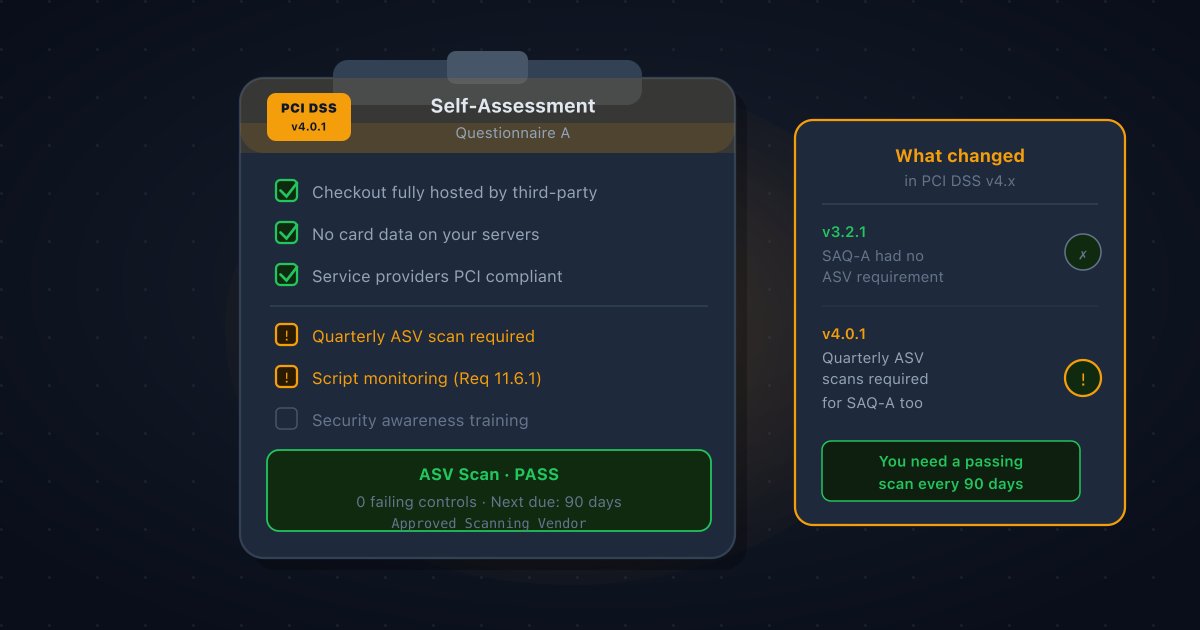
Does SAQ A Require Quarterly ASV Scans? Yes, Here's What Changed in PCI DSS v4.x
Many Shopify and Stripe merchants believe SAQ A means no vulnerability scanning. Under PCI DSS v4.x that is no longer true. Requirement 11.3.2 now requires quarterly ASV scans for SAQ A merchants, here's why, and what to do about it.
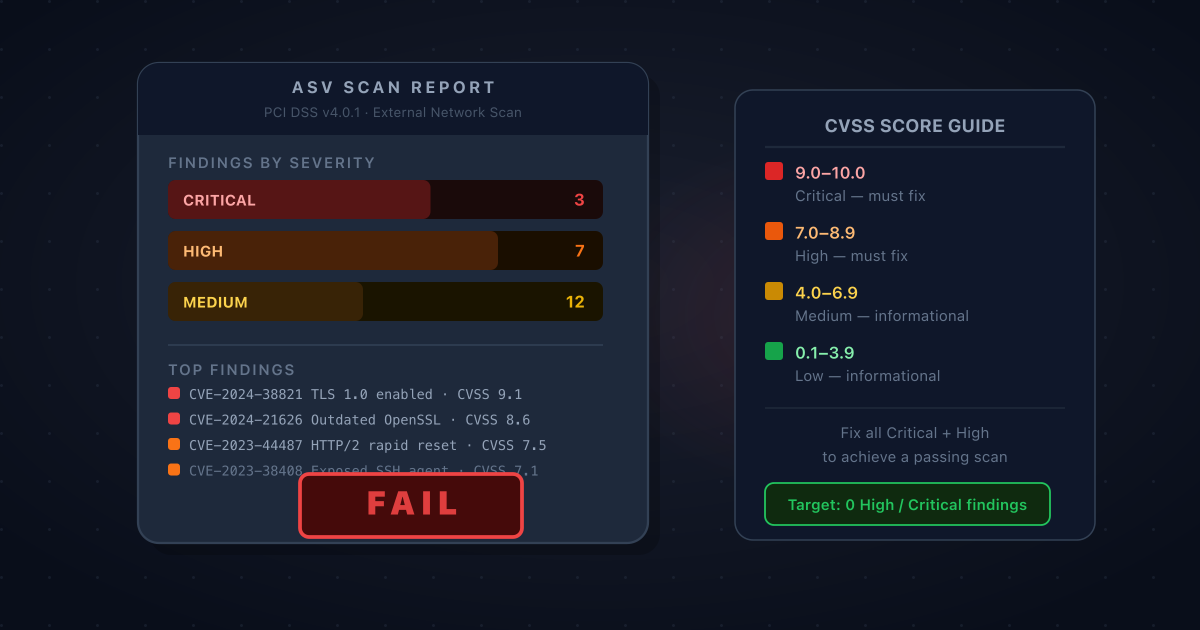
Your ASV Scan Came Back Failing: How to Read the Report and Prioritise What to Fix
A failing ASV scan report is dense, technical, and easy to misread. Here's how to work through it: what CVSS scores actually mean for your compliance deadline, which findings you must fix, which you can dispute, and how to get to a passing scan as quickly as possible.